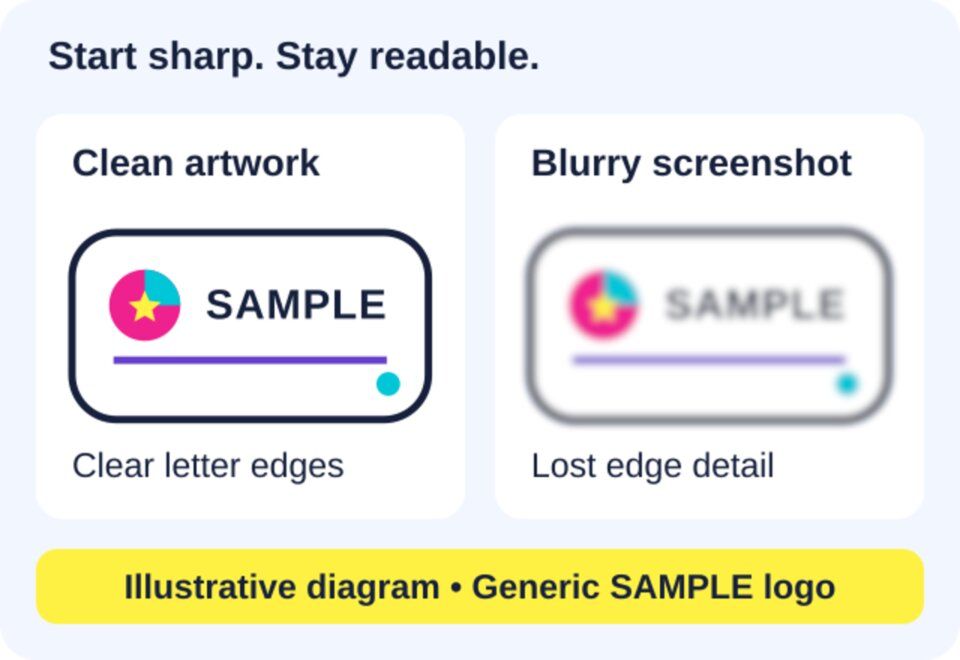
A brilliant logo deserves more than a blurry screenshot. Whether you are putting your name on a sticker or making a thoughtful engraved gift, a little artwork preparation can make the design much easier to read.
You do not need to become a designer. Start with the clearest original you have, think about the finished size and remember that colourful print and engraving create different results. Here is what to check before you order.
Start with the original, not the screenshot
Look for the artwork supplied by your designer or the original project you created. Keep that master safe and make a separate copy for any changes. A picture saved from a social profile or copied from a message may already have lost detail through resizing and compression.
Zoom in on the lettering and curved edges. Jagged steps, fuzzy outlines and patchy blocks around letters are warning signs. A screenshot also captures whatever is behind the logo, which may not be the background you want on the finished item.

Vector or raster? Think shapes or pixels
Vector artwork describes shapes and curves mathematically, so those elements can be resized without becoming pixelated. Raster artwork is a grid of pixels, like a photograph. It can work well when it contains enough genuine detail for the intended size.
A large file is not automatically a clear file. Enlarging a tiny image creates more pixels, but does not recover the original lettering or edges. Renaming its extension does not convert it into proper vector artwork either.
If you are unsure what you have, ask your designer for the original logo artwork. Check the current product instructions or ask which file to supply before uploading. There is no need to guess at a file format or repeatedly save the same image.
Make the smallest version readable
A logo that looks impressive across a laptop screen may be crowded on a small sticker or notebook cover. Check the design at approximately the size you intend to order, ideally with a paper printout. Screen zoom alone is not a reliable measure of physical size.
Watch thin lines, tiny slogans, delicate gaps inside letters and busy decorative borders. These can become difficult to distinguish as the design gets smaller. A simpler version may communicate more clearly than squeezing every detail into the available space.

Custom stickers: give the outline room

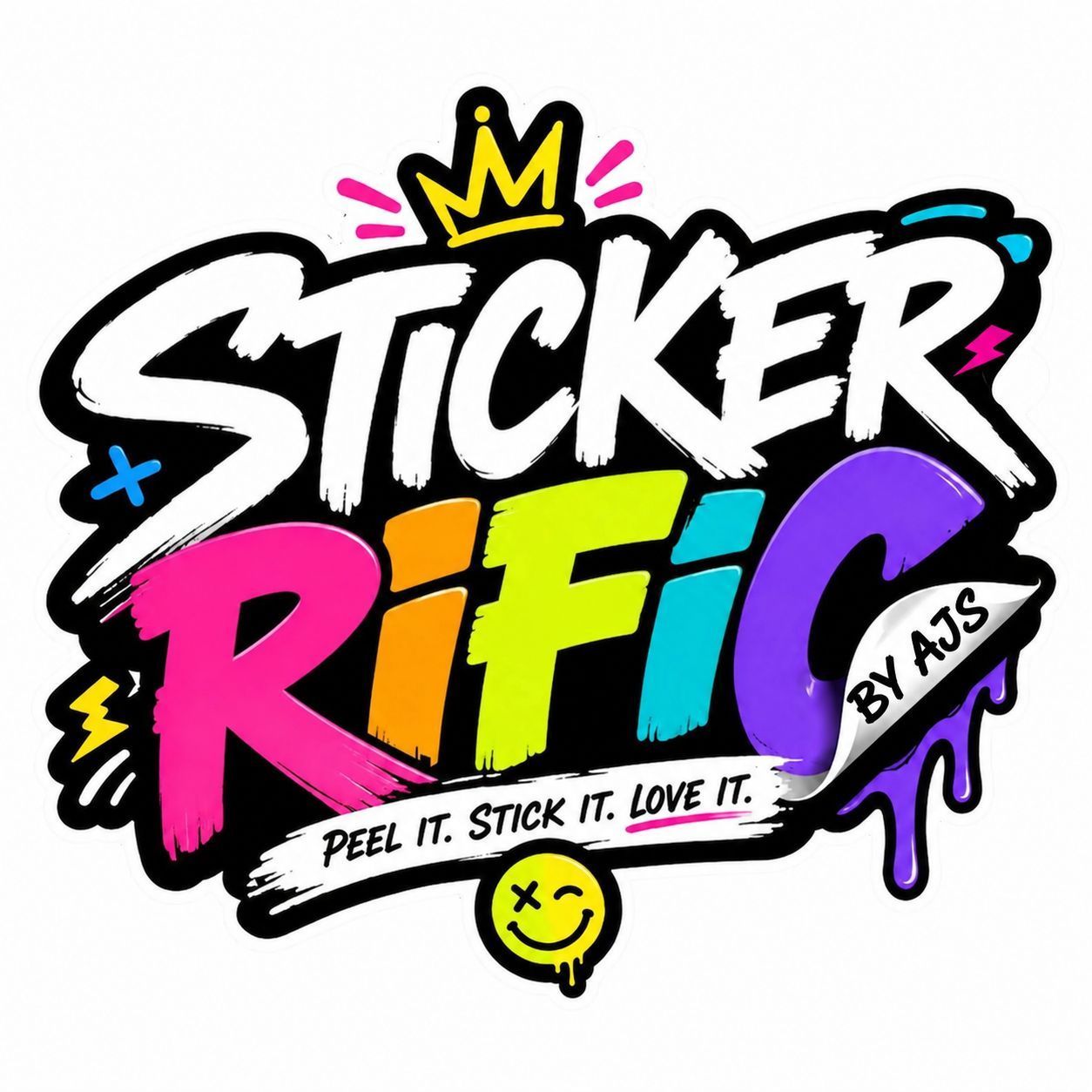
Stickerrific custom stickers are cut to the shape of your design and laminated for a glossy finish. The product page offers packs from 50 to 500, so the minimum is 50 stickers. Choose the required size and quantity on the product page.
Before ordering, decide which parts belong in the design and which are only background. Keep important lettering comfortably inside the intended outer edge. Avoid prescribing your own cutting allowance unless requested, because the suitable spacing depends on the design and production setup.
If your artwork has a white box behind it, do not assume that box will disappear automatically. Explain the result you want and ask for advice if the background or outline is unclear.
Engraved gifts: think contrast, not full colour
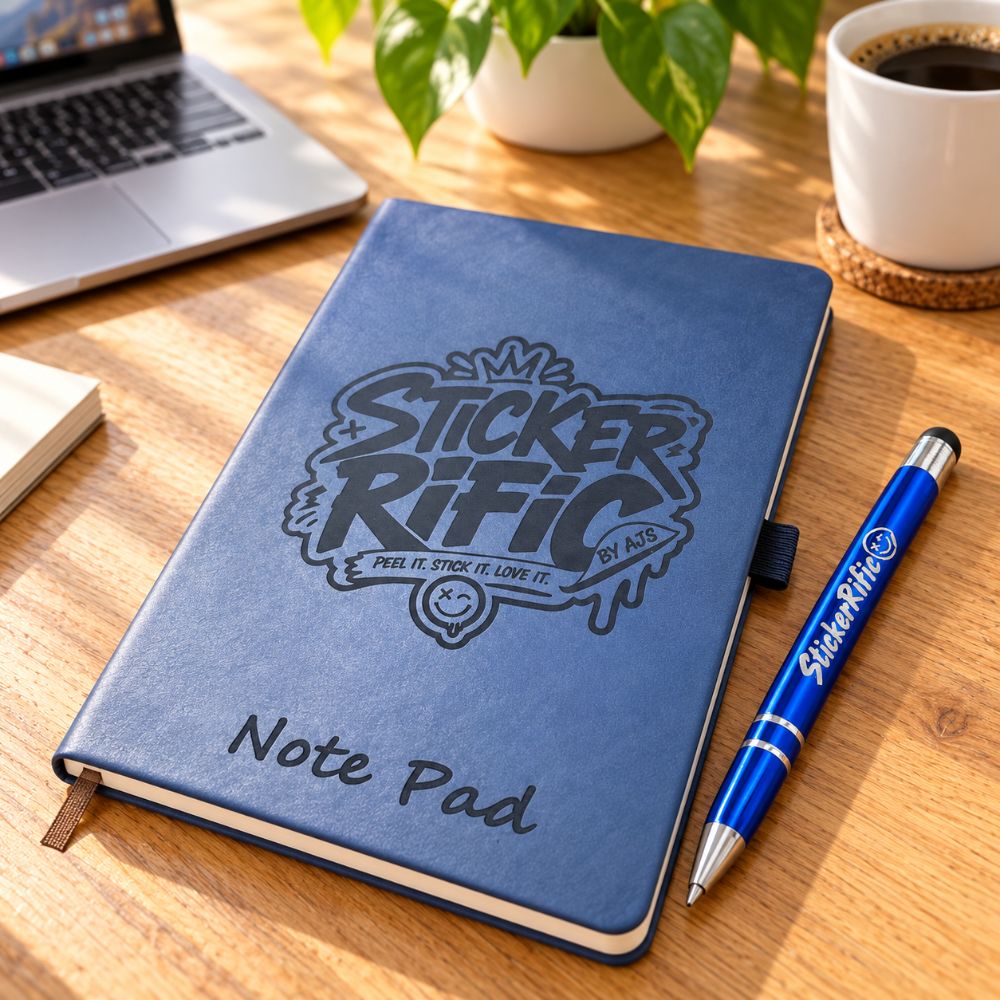
The personalised engraved A5 notepad and pen set includes a notepad and engraved pen, with artwork conversion assistance listed on the product page. It is a useful example of why artwork needs to suit the object, rather than simply copying a sticker design unchanged.
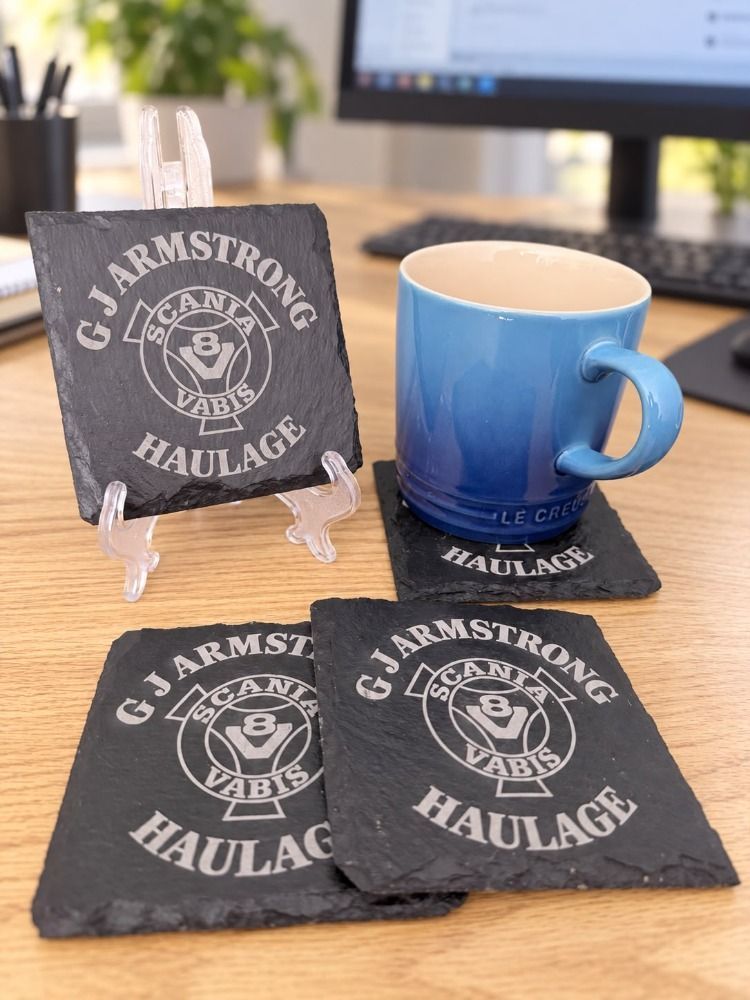
Engraving is not full colour printing. Do not expect a colourful logo to reproduce its printed colours. Think about recognisable shapes, clear lettering and contrast with the surface instead. Areas distinguished only by colour may need a different treatment to remain separate.
The material and surface finish alter the appearance. The notebook listing also explains that cover colour affects engraving contrast. The illustration below is only an explanation of the difference, not a promise of a particular shade, depth or finish.
View the personalised engraved A5 notepad and pen set

Your artwork checklist
Seven quick checks before you send your design.
- Keep your original artwork and send a separate copy.
- Check lettering, spelling, names and dates carefully.
- Look for blur before enlarging the design.
- Check small details at the intended physical size.
- Explain your preferred background and sticker outline.
- For engraving, prioritise shape and contrast over colour.
- Check the product options and ask about anything uncertain.
A clear starting file and a few thoughtful checks are more useful than complicated editing. Keep the important parts readable and let the finished item guide the design.